
Connected data, useful context
Your AI assistant can find a useful document and still miss how its facts connect. A customer, an order, and a supplier become more useful when the system can follow the relationships between them.
After SQL, NoSQL, and vector databases, graph databases are a useful next topic for developers building AI agents and business applications.
These names overlap. Graph databases are commonly included in the NoSQL family, and vector search can be a feature inside another database. Each term describes a different part of how data is stored or searched.
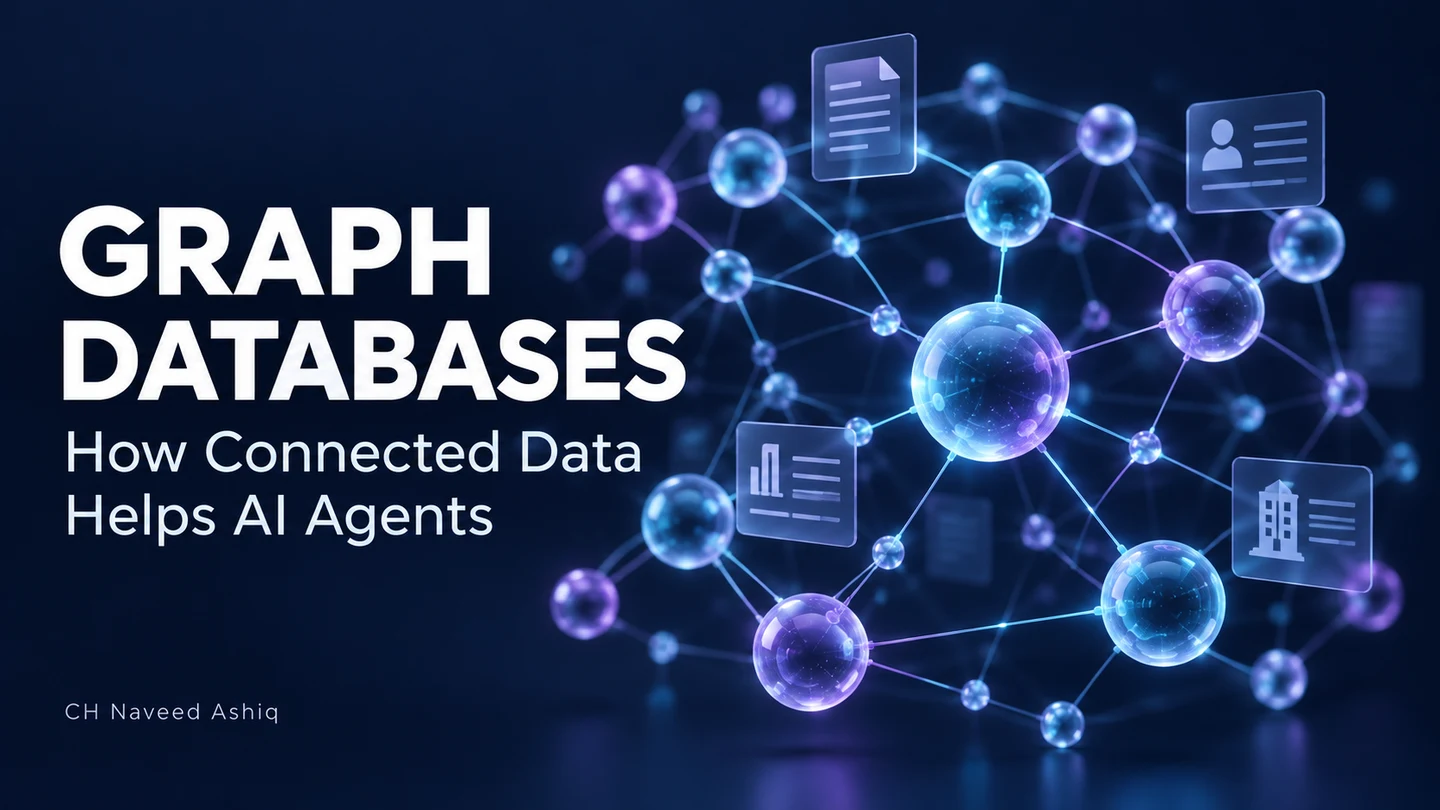
A graph database represents things as nodes and connects them through relationships. A node could be a customer, product, or business. A relationship describes something such as "placed an order" or "supplies a product."
In a property graph, both nodes and relationships can also hold details. A customer can have a name, while a supplier relationship can record when it began. This gives the connection its own useful information.
Following the business relationships
Imagine a trading platform where a buyer places an order through a broker. The order includes a product supplied by a business. A graph can represent each participant and keep the broker's role linked to the deal.
Now consider this question: "If this supplier is delayed, which buyers and brokers are connected to the affected orders?" With the right data and queries, the application can follow those connections to identify the people involved.
Relational databases can model these relationships too, using tables and joins. A graph database offers a model built around connected data. The useful choice depends on the questions your application needs to answer.
Graph data and AI retrieval
For an AI agent, this creates a practical opportunity. A tool can query the graph, return the relevant records and connections, and give the language model clearer context for its answer.
Vector search can help find text with similar meaning. Graph queries can follow recorded relationships. Combining them can help an application retrieve relevant information and explore how it connects.
This also connects to GraphRAG: using a knowledge graph to help retrieve context before an AI generates an answer. A knowledge graph describes real things and their relationships; a graph database is one way to store it.
For example, Microsoft's GraphRAG local search combines connected information from a knowledge graph with text from the original documents. GraphRAG is a retrieval approach, and it does not require every implementation to use a dedicated graph database.
Start with one real question
For a business app, I would start with one real question, build a small graph around it, and test whether the answers are useful. Add this layer when following connections is a regular part of the work.
The quality of those connections matters. Missing or incorrect relationships can lead to incomplete answers, so the application still needs reliable data, appropriate access controls, and checks on the agent's output.
When I think about AI agents and automation, I see connected data as a useful part of the design. It helps turn separate records into context the application can actually use.
What question in your business would become easier to answer if your data's connections were visible?
How does this apply to your business?
Share the workflow or idea you’re considering.
Discuss This Topic